
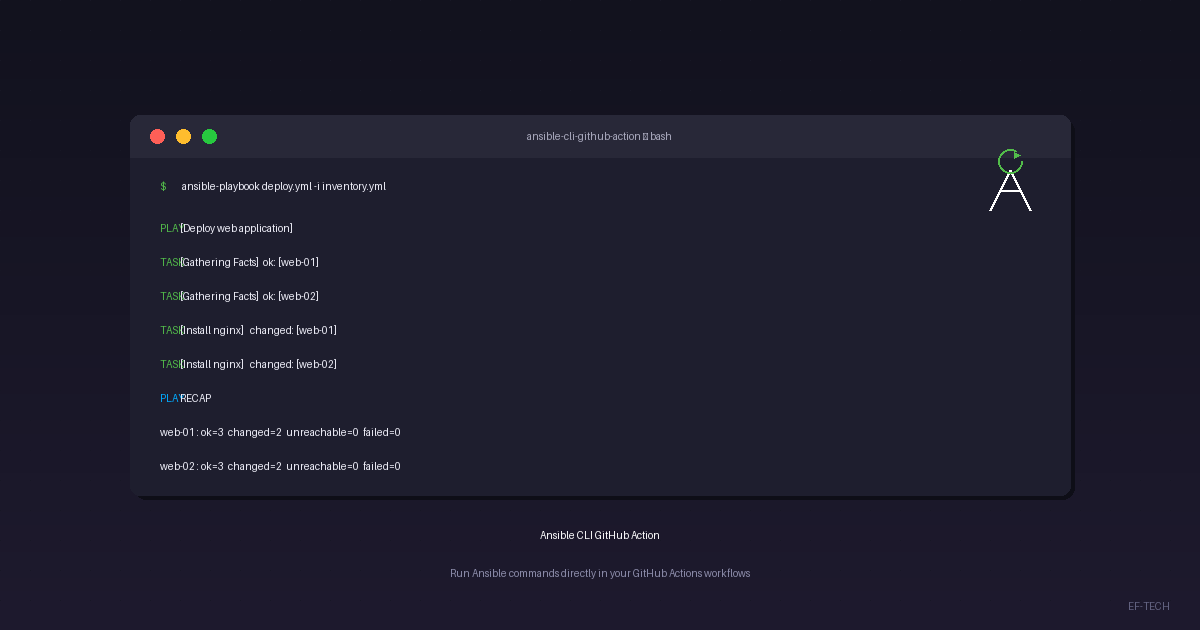

EF-TECH is proud to announce ansible-cli-github-action, a lightweight GitHub Action that brings the full power of Ansible CLI into your GitHub Actions workflows. Whether you need to run playbooks, manage Galaxy roles, or execute ad-hoc commands, this action has you covered.
What Is It?#
The action is based on the python:3.11-slim Docker image and comes pre-configured with:
- Ansible and all related CLI tools (
ansible,ansible-playbook,ansible-galaxy,ansible-inventory, etc.) - pywinrm with CredSSP support — ready to manage Windows hosts over WinRM out of the box
- A full shell environment — you can also run standard Linux commands at any step
No extra setup, no Python virtual environments, no dependency installation. Just point, configure, and run.
Usage#
The action has a single input — command — which accepts any Ansible or shell command you want to execute.
- uses: eftechcombr/ansible-cli-github-action@master
  with:
    command: "ansible-playbook site.yml -i inventory.yml"
Real-World Examples#
1. Windows Connectivity Check via WinRM#
Manage Windows servers without SSH. The pywinrm[credssp] package is pre-installed.
Inventory (inventory.ini):
[windows]
windows-server-01.example.com

[windows:vars]
ansible_connection=winrm
ansible_winrm_transport=ntlm
ansible_user=Administrator
ansible_password={{ windows_admin_password }}
ansible_winrm_server_cert_validation=ignore
Workflow (.github/workflows/windows-check.yml):
name: Windows Connectivity Check

on:
  schedule:
    - cron: "0 6 * * *"
  workflow_dispatch:

jobs:
  winrm-ping:
    runs-on: ubuntu-latest
    steps:
      - uses: actions/checkout@v4

      - name: Run WinRM ping playbook
        uses: eftechcombr/ansible-cli-github-action@master
        with:
          command: >
            ansible-playbook win-ping.yml
            -i inventory.ini
            -e windows_admin_password=${{ secrets.WINDOWS_ADMIN_PASSWORD }}
2. Linux Connectivity Check via SSH#
Connect to any Linux target over standard SSH.
Inventory (inventory.yml):
all:
  hosts:
    web-01.example.com:
    web-02.example.com:
  vars:
    ansible_connection: ssh
    ansible_user: ubuntu
    ansible_ssh_private_key_file: /tmp/ssh_key
Workflow with ad-hoc command:
name: Linux Connectivity Check

on:
  push:
    branches: [main]
  workflow_dispatch:

jobs:
  ssh-ping:
    runs-on: ubuntu-latest
    steps:
      - uses: actions/checkout@v4

      - name: Install SSH key
        run: |
          mkdir -p /tmp
          echo "${{ secrets.SSH_PRIVATE_KEY }}" > /tmp/ssh_key
          chmod 600 /tmp/ssh_key

      - name: Run playbook
        uses: eftechcombr/ansible-cli-github-action@master
        with:
          command: >
            ansible-playbook ping.yml
            -i inventory.yml

      - name: Ad-hoc ping test
        uses: eftechcombr/ansible-cli-github-action@master
        with:
          command: ansible all -i inventory.yml -m ping
3. Internal Network Access via Self-Hosted Runner#
For targets inside private networks, use a self-hosted runner. Since the action is Docker-based, the runner only needs Docker — not Ansible or Python.
jobs:
  health-check:
    runs-on: [self-hosted, linux, production]
    steps:
      - uses: actions/checkout@v4

      - name: Run health check playbook
        uses: eftechcombr/ansible-cli-github-action@master
        with:
          command: >
            ansible-playbook health-check.yml
            -i inventory.yml
Why We Built This#
At EF-TECH, we manage infrastructure across Windows and Linux environments for our clients. We needed a simple, repeatable way to run Ansible commands inside GitHub Actions without:
- Installing Ansible and its dependencies on every runner
- Managing Python virtual environments in CI
- Debugging environment inconsistencies between runs
The result is a Docker image that encapsulates everything Ansible needs — and a GitHub Action that wraps it in a single uses: directive.
Testing#
The image includes a smoke test suite you can run locally:
tests/smoke_build.sh \
  && tests/smoke_ansible.sh \
  && tests/smoke_python.sh \
  && tests/smoke_shell.sh \
  && tests/smoke_playbook.sh
These tests verify:
- Docker image build
- Ansible CLI version checks (
ansible,ansible-playbook,ansible-inventory) - Python dependency imports (
winrm,ansible) - Shell command passthrough and exit code propagation
- Playbook syntax checking and localhost execution
Get Started#
The action is open-source under the MIT license and is available on GitHub:
🔗 https://github.com/eftechcombr/ansible-cli-github-action
To use it in your project:
- Add a workflow file in
.github/workflows/ - Check out your repository with
actions/checkout@v4 - Add a step using
eftechcombr/ansible-cli-github-action@master - Set the
commandinput to your desired Ansible command
Useful Links#
At EF-TECH, we specialize in cloud computing, IT infrastructure automation, and DevOps practices. We offer expert support for Ansible, GitHub Actions, and infrastructure-as-code solutions. Contact us to learn how we can help your team.